

Rules & presets
Configure your content moderation presets and rules
Insion includes preconfigured presets and supports custom rules for policies specific to your product.
Available presets
| Preset | Description |
|---|---|
| Adult content | Adult content unacceptable to payment processors and banks |
| Spam | Unsolicited, repetitive, or engagement-manipulating content |
| IPTV | IPTV, streaming services, and associated technologies |
| Non-fiat currency | Cryptocurrencies, tokens, and other non-traditional currency |
| Weapon components | Weapons, weapon components, and potentially dangerous materials |
| Government services | Government services, official procedures, and related information |
| Gambling | Gambling, games of chance, betting, and associated information |
| Phishing | Attempts to fraudulently obtain sensitive information |
| Hate and harassment | Hateful, harassing, or threatening content targeting people or protected groups |
| Violence | Threats, promotion, instructions, or graphic depictions of physical violence |
| Self-harm | Self-harm promotion, intent, or instructions requiring safety intervention |
| Sexual content involving minors | Sexual content involving or exploiting anyone under 18 |
| Illegal drugs | Sales, procurement, or facilitation of illegal drugs and controlled substances |
| Privacy and doxxing | Malicious exposure or use of private personal information |
Managing rules & presets
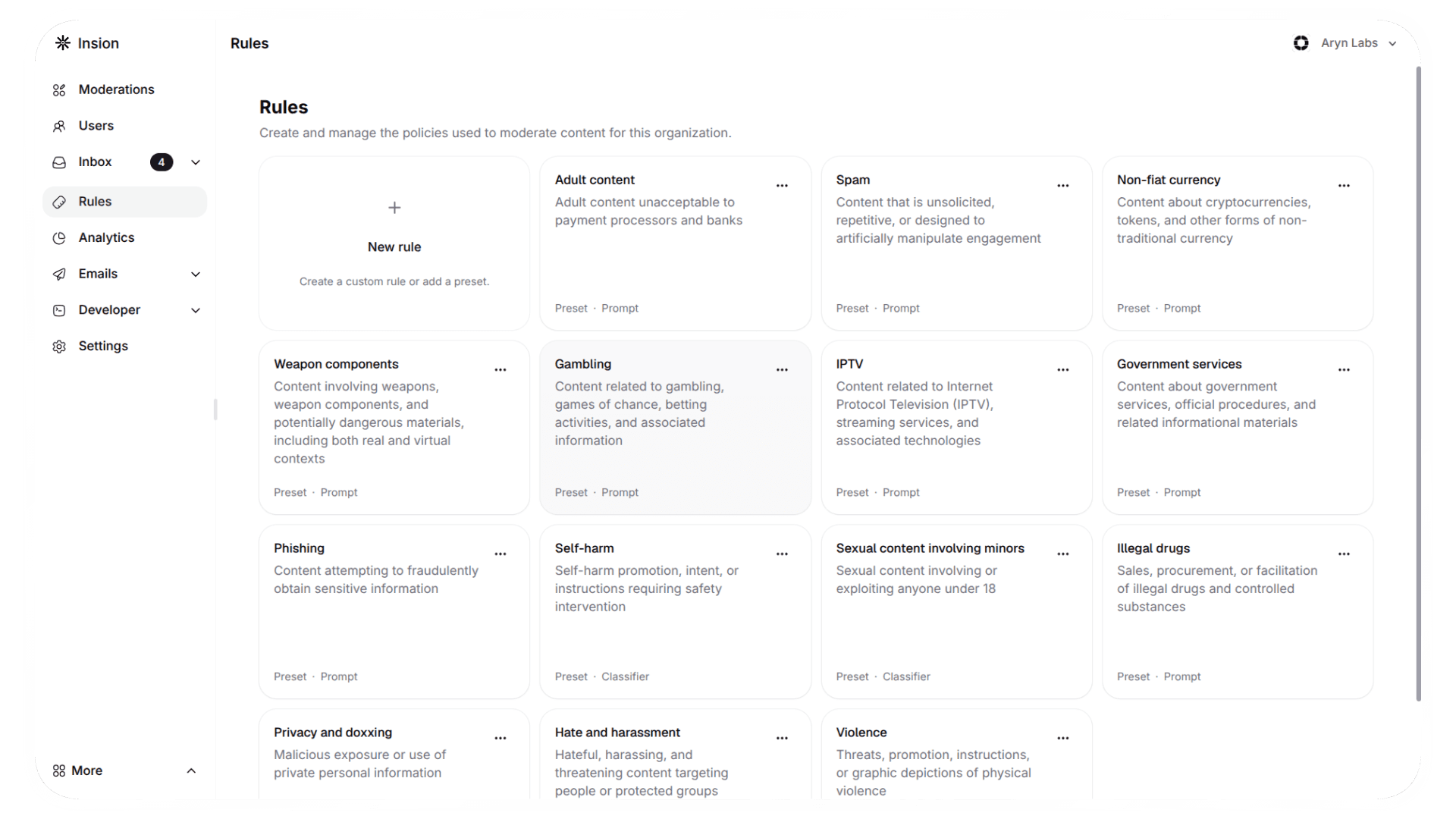
You can add new Rules & Presets from the Rules page:
- Navigate to Rules in your dashboard
- Add a New Rule
- Choose from the available Presets
- Or define your own Custom Rule
Automated actions
When content is flagged:
- Protected users are exempt from automated actions
- Non-protected users:
- Are automatically suspended if any content is flagged
- Are automatically unsuspended when no flagged content remains
Need help? Contact our support team.
How is this guide?